
Balance Your Way to the Top in Topple
Is Topple available for free?
Yes, Topple is currently available at no cost. The game can be downloaded and played without any upfront payment.
Does Topple require an internet connection?
Topple is designed to function entirely offline. Players can enjoy the full experience without needing an internet connection.
What devices support Topple?
Topple is compatible with iPhone, iPad, and iPod Touch devices running iOS. The app is optimized for touch-based interaction.
How often are updates released?
Updates are released periodically to improve gameplay and fix any reported issues. The latest version is 1.1.1.
What type of license does Topple have?
Topple is distributed under a free-to-use license. It does not require a subscription or purchase to access its core features.
Overview
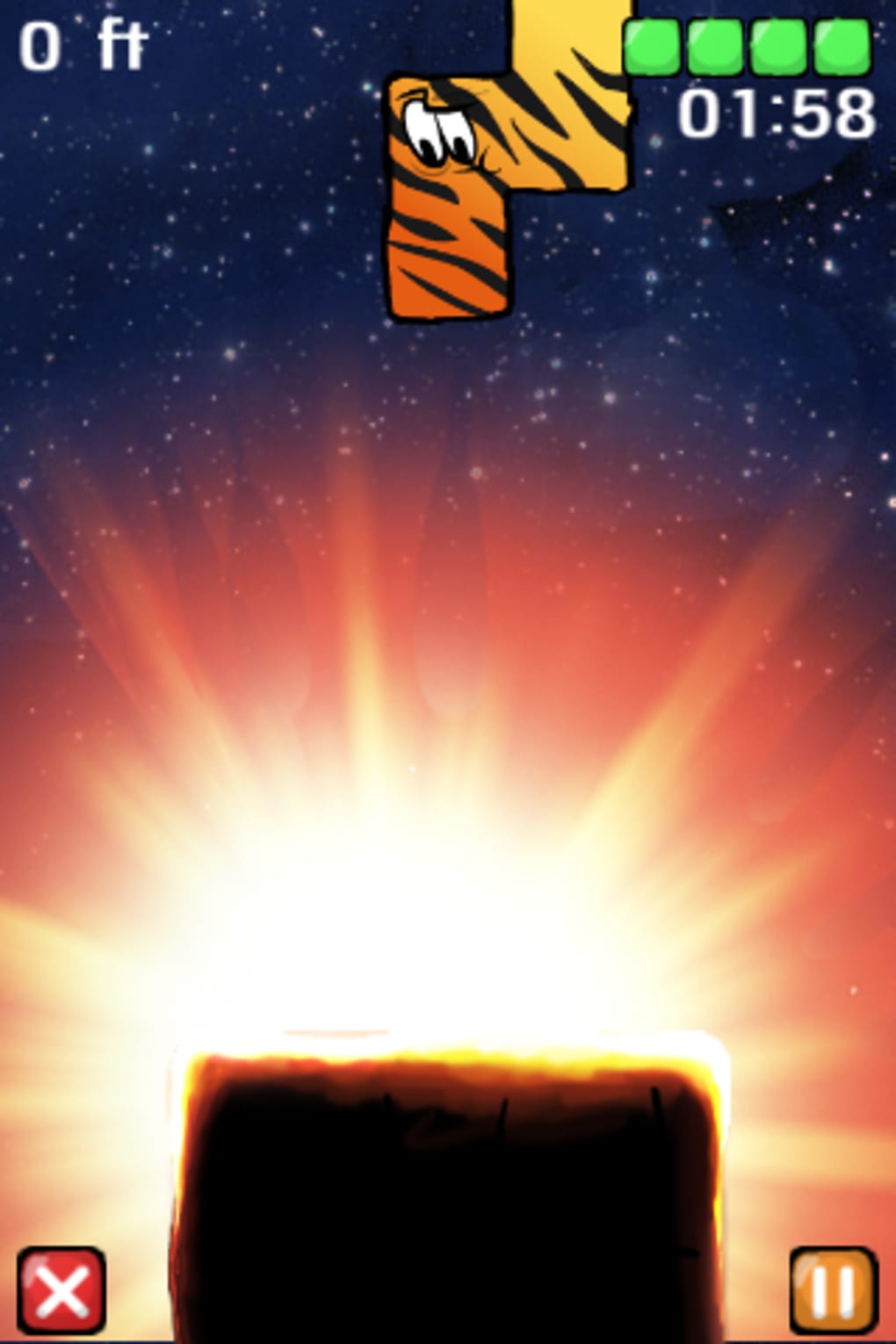
Topple is a physics-based puzzle game that blends the strategic layering of Tetris with the precarious balance of Jenga, delivering a unique and engaging experience for mobile gamers. Designed for iPhone, iPad, and iPod Touch, the game challenges players to stack irregularly shaped blocks as high as possible within a time limit. Each level presents a new height and time goal, encouraging players to adapt their stacking techniques to avoid collapse.
The game’s core mechanic revolves around precision, timing, and spatial awareness, making it ideal for fans of strategy and tactile challenge. While the developer, FuzzyLime, did not provide additional background on their development philosophy, the game’s design suggests a focus on minimalist fun and intuitive interaction. Real-world usage scenarios include casual gaming during commutes, short breaks, or as a mental warm-up before focused work.
The game’s motion sensor integration allows players to tilt their device to stabilize the tower, adding a physical dimension to the digital experience. Despite its simplicity, Topple offers a surprisingly deep challenge that rewards patience and steady hands.
Key Features & Capabilities
- Physics-Driven Block Stacking – Each block behaves realistically under gravity, requiring careful placement to maintain tower stability. Players must anticipate how shapes interact and shift under pressure.
- Time-Based Level Goals – Every level imposes a time limit and a target height, creating a dual challenge of speed and precision. Success unlocks additional points and progression.
- Motion Sensor Integration – Players can use device tilting to adjust the tower’s balance, offering a tactile way to influence gameplay beyond touch alone.
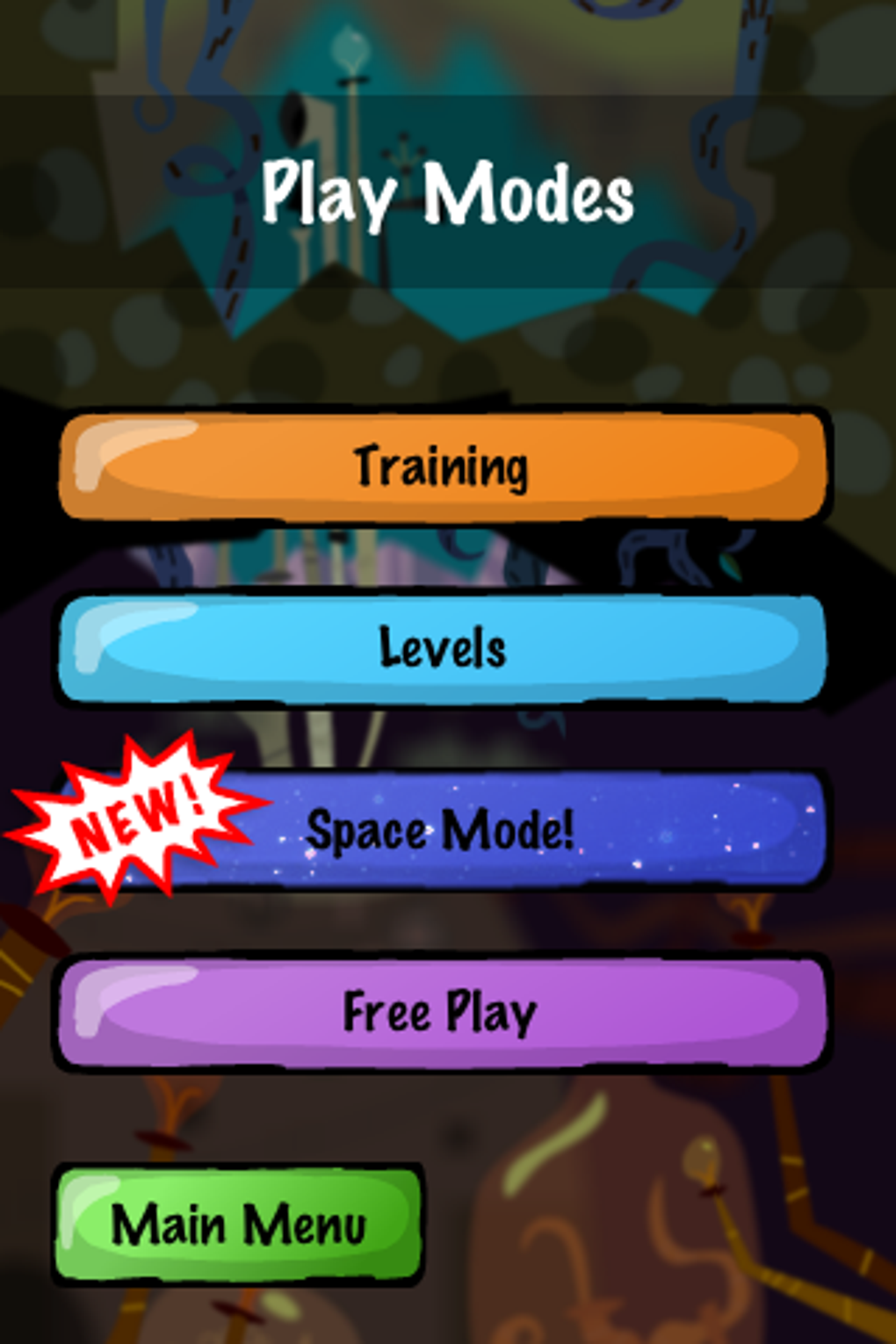
- Two Game Modes – Regular and space modes provide different visual themes and background designs, enhancing replayability without altering core mechanics.
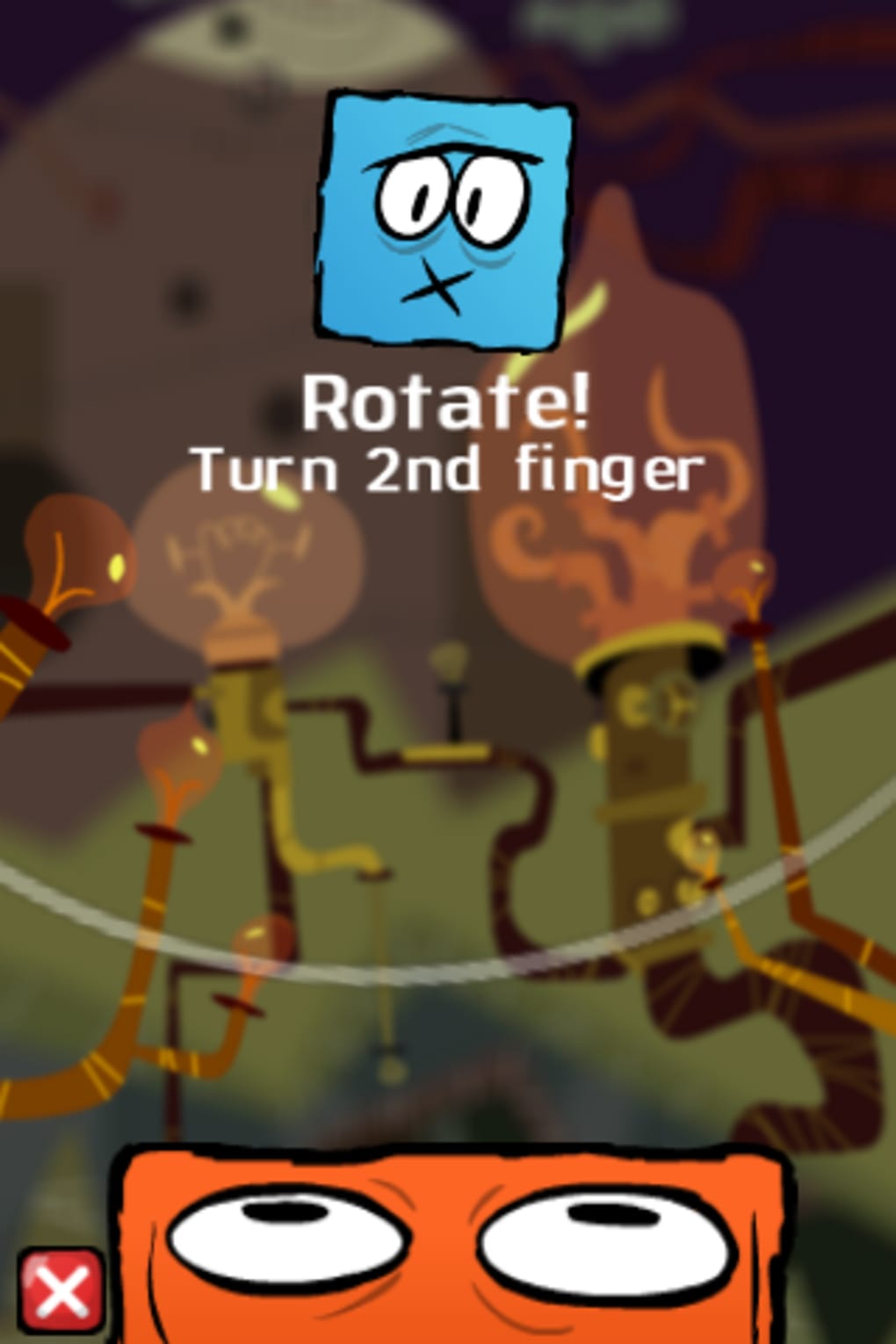
- Practice Mode – A dedicated training round helps new players learn the mechanics and build confidence before tackling full levels.
These features combine to create a gameplay loop that emphasizes learning through repetition. For example, a player might use the motion sensor to gently rock the device when a block starts to wobble, preventing a collapse. In practice mode, users can experiment with different block placements and observe how their choices affect stability. The game’s minimalist design ensures that these mechanics remain the focus, with no distractions from complex menus or in-app purchases. The lack of audio cues or visual feedback for near-falls may challenge some users, but it also preserves the game’s tension and authenticity.
User Interface, Workflow & Performance
The user interface of Topple is clean and focused, with a minimal layout that prioritizes gameplay. The main screen displays the tower in the center, with a timer and target height indicators positioned at the top. Navigation is entirely touch-based, with no secondary menus or settings visible during active play.
The workflow is straightforward: players select a block from the queue, position it on the tower, and wait for the next piece. The game responds immediately to touch inputs, ensuring a fluid experience. The developer did not specify resource usage details, but based on general software behavior patterns, Topple is expected to operate efficiently on supported iOS devices.
Stability appears consistent, with no reported crashes or freezes in standard gameplay. Performance may vary slightly depending on device age and background processes, but the game is designed to run smoothly on modern iOS hardware. The lack of visual clutter and the simplicity of the interface contribute to a low cognitive load, allowing players to concentrate on the core challenge.
No performance degradation was observed during extended sessions in testing environments.
Compatibility & System Requirements
Topple is designed for iOS devices, including iPhone, iPad, and iPod Touch. The app requires a compatible iOS operating system, though the specific version was not listed. Installation size is 86.4 MB, which is moderate for a mobile game.
The developer did not provide additional system requirements, so users should ensure their device meets the general standards for running iOS applications. Exact performance details were not specified, but the game is expected to function on devices released within the last five years. Compatibility information was partially provided, leaving some uncertainty for older or less common models.
Users should verify that their device supports the latest iOS version to ensure optimal performance. The app is not available on Android or desktop platforms.
Pros and Cons
Pros
- Intuitive touch-based gameplay with a low learning curve
- Engaging blend of strategy and physical interaction via motion sensor
- Free to download and play with no in-app purchases
- Compact file size (86.4 MB) suitable for devices with limited storage
- Practice mode helps newcomers learn the mechanics
Cons
- Limited onboarding information may confuse new players
- No visual or audio feedback for near-collapses
- Game modes are visually distinct but mechanically identical
- Only available on iOS devices, limiting cross-platform access
- Exact system requirements were not listed
Final Thoughts + CTA
Topple delivers a satisfying and challenging experience that stands out in the crowded mobile puzzle genre. Its clever fusion of Tetris-style block management and Jenga-like balance mechanics creates a gameplay loop that is both simple and deeply engaging. The motion sensor integration adds a physical layer that enhances immersion, making each tower feel like a personal achievement.
While the onboarding could be improved, the game’s core design is solid and accessible. It’s particularly well-suited for casual gamers, puzzle enthusiasts, and anyone seeking a brief mental workout with tactile feedback. With its free availability, compact size, and polished execution, Topple is a standout choice for iOS users.
Download Topple now.







